Resume Builder: What It Actually Does for Job Seekers
See how a resume builder saves time, shapes resume format, and supports ATS-friendly exports with templates, AI help, PDF, and Word options.
 Published by Pika Resume Team|July 6, 2026|12 min read
Resume Builder: What It Actually Does for Job Seekers
A resume builder helps job seekers turn rough experience into a finished resume faster, with less formatting work and fewer layout mistakes. As of July 2026, that matters because many people are still trying to get from blank page to application-ready PDF without fighting Word margins or Acrobat edits. Pikaresume is built for that exact job: guide the structure, keep the format clean, and export a file that is ready to send.
Key takeaways
- A resume builder turns experience, skills, and education into a structured resume with less manual layout work.
- It saves time by handling formatting in ways that Word and Acrobat do not.
- Clean resume format helps both recruiters and ATS software read the document clearly.
- Free tools usually cover the basics, while paid plans tend to unlock more templates, AI help, and export flexibility.
- The right builder gets a job seeker to a usable resume with the least friction.
What a resume builder actually does
A resume builder turns scattered work history into a structured resume, with prompts for sections, templates for layout, and export options at the end. Instead of starting with a blank document, the user fills in experience, skills, and education, then lets the tool handle spacing, alignment, and order. That is the practical value: less guesswork, fewer formatting errors, and a faster path to a resume that looks finished.
A good builder does four things well. It guides the sections so the user does not forget the basics. It gives a template so the page does not collapse into a wall of text. It lets the user edit quickly when a job application needs a different version. And it exports a file that can be sent without more cleanup.
For a job seeker, that is the difference between drafting content and managing layout. The builder handles the second part so the user can focus on the first.
Why job seekers use a resume builder instead of starting in Word or Acrobat
A resume builder reduces the manual work that usually makes resume creation slow in Microsoft Word or Adobe Acrobat. Word gives control, but the user has to manage margins, spacing, headings, bullet indentation, and page breaks by hand. Acrobat is even less forgiving because it was built for fixed documents, not for restructuring content. A single edit can push text out of place or break the balance of the page.
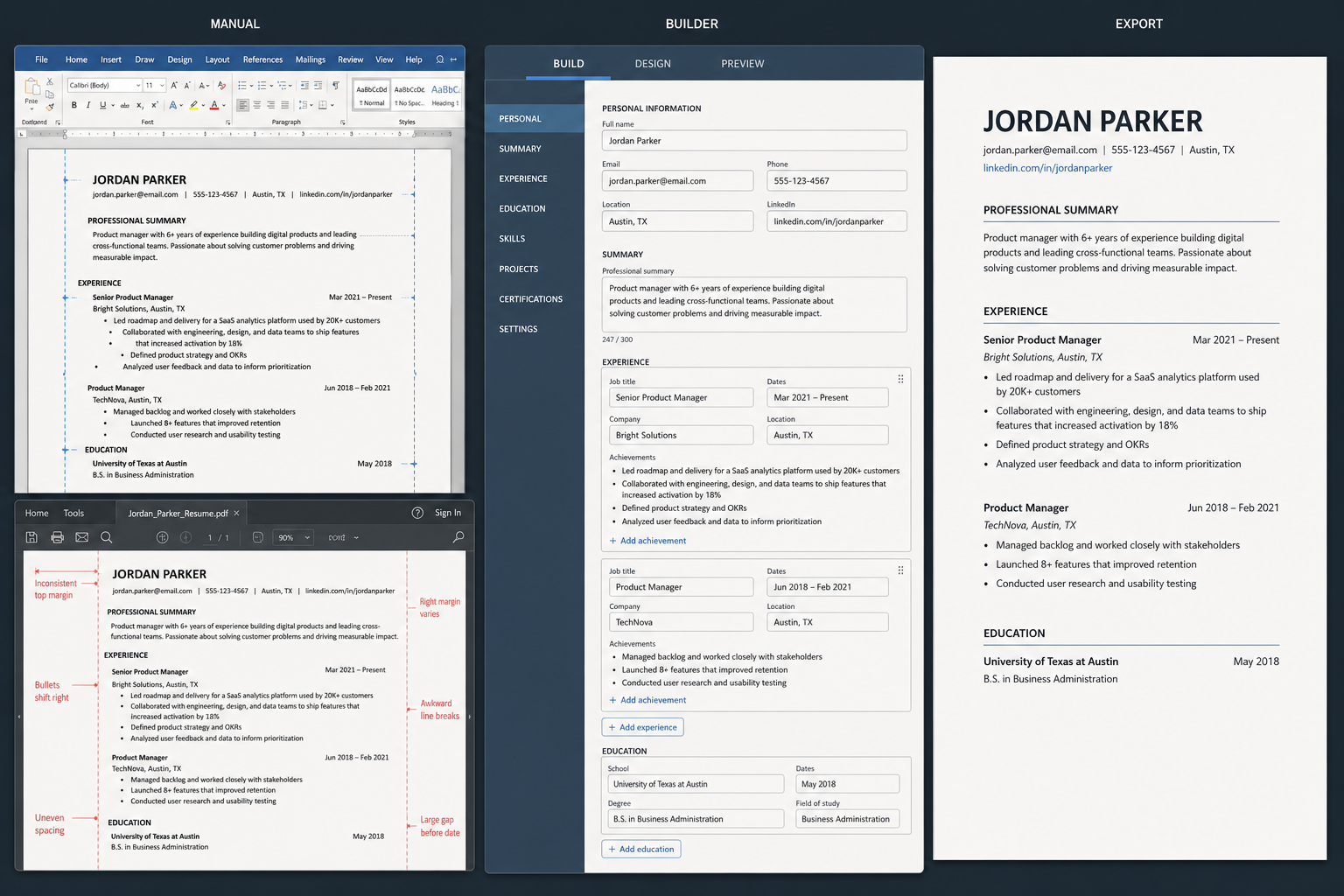
Dedicated builders reduce layout work compared with manual editing.
That workflow difference is why people move to a dedicated builder. The builder starts from resume structure, not from a blank page. It asks for contact details, summary, work history, skills, and education in order, then applies the layout automatically. The result is not just faster writing. It is a resume that is easier to revise when a recruiter asks for a targeted version.
LinkedIn sits somewhere else in the process. It helps present a professional profile and can be a useful starting point, but it is not the same as a resume creation tool. A dedicated builder is built around the document the employer actually asks for, including PDF and Word export.
If the question is whether a builder is worth trusting over generic document tools, the answer is usually yes for most job seekers. A builder is designed to finish the job. For a closer look at the product side, Pikaresume shows that workflow directly, and the about page explains why a dedicated resume tool is positioned around job seekers rather than general documents.
How a resume builder helps with resume format
A resume builder improves resume format by locking in structure before the user starts polishing the wording. That sounds small, but it is what keeps the final document readable. The builder decides where the summary sits, how work history is ordered, how skills are grouped, and how much space each section gets.
In practice, that means fewer formatting decisions and fewer opportunities to make the page uneven. Section headings stay consistent. Bullets line up. Dates do not drift into awkward places. When the user changes one bullet, the layout usually stays intact instead of shifting the whole page.
Good format also depends on choosing the right structure for the candidate’s background. A recent graduate usually needs a different layout from a senior candidate with a long work history. A builder makes those choices easier because it offers templates built for chronological, hybrid, or simpler one-page layouts. If the user wants a deeper guide on structure, the resume format guide is the natural next step.
That matters for ATS too. Most applicant tracking systems scan text, not design tricks, so clean section labels and predictable hierarchy help the resume read properly. A builder does not guarantee ATS success on its own, but it removes many of the formatting mistakes that cause parsing problems.
What templates, AI writing, and ATS support actually change
Templates, AI writing, and ATS support each solve a different problem. Templates save time by giving the user a ready-made layout. AI-assisted writing helps turn rough notes into usable bullets or summary lines. ATS support keeps the file readable for software that has to parse the resume before a human sees it.
A template is useful when the job seeker already knows the content but not the layout. It gives a starting point and keeps the document from looking improvised. AI helps when the problem is language, not structure. Someone may know they improved conversion rates or cut support tickets, but still not know how to phrase it in resume form. That is where resume builder ai features can help by suggesting cleaner bullet language without starting from scratch.
ATS support is the feature people often misunderstand. It does not mean a resume is magically ranked higher. It means the builder preserves text in a way that applicant tracking systems can read cleanly, which reduces the risk of broken sections or missing information. That is also why free resume templates are not enough on their own if the layout is unstable or too decorative.
Example: A job seeker with ten years of project work can enter rough bullets like “managed launches” and “worked with vendors,” then use AI-assisted writing to turn them into fuller resume lines, such as “Managed three product launches across design, operations, and vendor teams.” The content is still the user’s. The builder just speeds up the editing pass.
What export options matter: PDF, Word, and download-ready files
A resume builder is only useful if it gets the file into the right export format quickly. PDF matters because it preserves layout. Word matters because some users want to edit later or adapt one resume for multiple roles. A good builder should support both, because different applications and recruiters still expect different file types.
That is why free resume builder and download flows are so popular. They reduce the number of steps between drafting and submitting. The user does not need to copy text into another app, reformat the headings, and then save again. The export is built into the workflow.
The limit is usually at the free tier. Some builders let users create a resume for free, but restrict downloads, branded templates, or advanced editing. That is where pricing becomes part of the decision. If the user only needs one basic resume, free may be enough. If they need multiple versions, AI help, or more export flexibility, paid features often save time.
What is a good resume builder?
A good resume builder is fast to use, easy to revise, and strict about clean formatting. It should help the user finish a real resume, not make them learn the tool. The best ones keep the interface simple, offer useful templates, and let the user change sections without breaking the page.
The quality test is practical. Can the user move from first draft to download without fighting the layout? Can they switch between resume format options without rebuilding the document? Can they export to PDF or Word without hidden watermarks, broken spacing, or surprise limits? If the answer is yes, the builder is doing its job.
A good builder also respects different experience levels. A first-time job seeker needs guidance. A mid-career candidate needs flexibility. Someone changing careers needs enough structure to reframe experience without starting from zero. That is why a dedicated builder often beats a generic document tool for most people.
What is the best free resume builder?
The best free resume builder is the one that lets a job seeker finish a clean resume without hitting a wall at the last step. Free should mean basic editing, at least one solid template, and a usable export path. If the user has to pay before they can download or remove obvious restrictions, the tool is only free in name.
The trade-off is usually depth. Free resume templates are often limited in number or style. Some free tools also restrict AI help, extra versions, or more advanced formatting choices. That does not make them useless. It just means the user should know what they are getting before they invest time in the tool.
For many job seekers, the best free option is the one that handles the first draft well and does not create rework later. If the goal is to test a layout, make one application-ready resume, or try a builder before paying, free is enough. If the goal is to run multiple versions and compare features, the difference between free and paid becomes clear quickly.
When a resume builder is better than doing it yourself
A resume builder is better than doing it yourself when speed and consistency matter more than full manual control. That is usually the case for career changers, recent graduates, and anyone who needs a usable resume quickly. The builder gives them a structure to work from and cuts out the formatting grind.
Doing it yourself can still make sense if the user already knows exactly how they want the page to look and is comfortable managing layout in Word. Some people prefer that level of control. But most job seekers are not trying to become document designers. They are trying to apply for work.
That is where a builder wins. It shortens the path from experience to application. It also makes it easier to create variants for different roles without rebuilding the whole document each time. If the user wants to keep moving after the resume is done, job search advice can help with the rest of the process, and a comparison like builder versus Canva shows why purpose-built resume tools usually fit this workflow better than general design tools.
What is the best online resume builder?
The best online resume builder is the one that makes the resume faster to finish without making the user manage formatting by hand. Online matters because it removes installation, file-version confusion, and the usual copy-paste drift between devices. The strongest tools are the ones that keep structure, export cleanly, and let the user edit from anywhere.
The practical checklist is simple. It should be easy to start. It should keep the resume readable for ATS. It should export to PDF and, ideally, Word. And it should not bury basic functions behind a cluttered interface. That is how a website becomes useful instead of just looking polished.
What is the best AI resume builder?
The best AI resume builder is the one that helps with wording and structure without taking control away from the user. AI should speed up drafting, suggest stronger bullets, and reduce blank-page friction. It should not invent experience or force generic language across every section.
A good AI builder works best as an editing layer. The user brings the facts. The tool helps shape them into clearer resume language. That is more useful than automation alone, because job seekers still need to decide what to include, what to cut, and how to tailor the resume to the role.
The best result usually comes from combining AI help with a clean template and a readable export. That is the combination job seekers actually need: not just faster writing, but a finished document they can trust.
A resume builder does not replace judgment. It removes the parts of resume creation that waste time and create formatting errors, then leaves the user with a better draft to refine. For most job seekers, that is the real value.
FAQ
What is a good resume builder?
A good resume builder lets a job seeker move from draft to download without fighting layout or losing control of the content. It should be easy to edit, offer clean templates, and export to PDF or Word without surprises.
What is the best free resume builder?
The best free resume builder is the one that lets a user create and download a usable resume without hidden friction. Basic editing, a solid template, and a real export option matter more than flashy features.
What is the best AI resume builder?
The best AI resume builder uses AI to improve wording and speed up drafting, but still leaves the user in charge of what the resume says. AI should help shape the content, not invent it.
What is the best online resume builder?
The best online resume builder is the one that works smoothly in the browser, keeps formatting clean, and makes it easy to export a file that is ready to apply with.


Create your Resume
Your resume is an extension of you. Make it truly yours.
Related Articles
Related guides & tools
Continue Reading
Check more recommended readings to get the job of your dreams.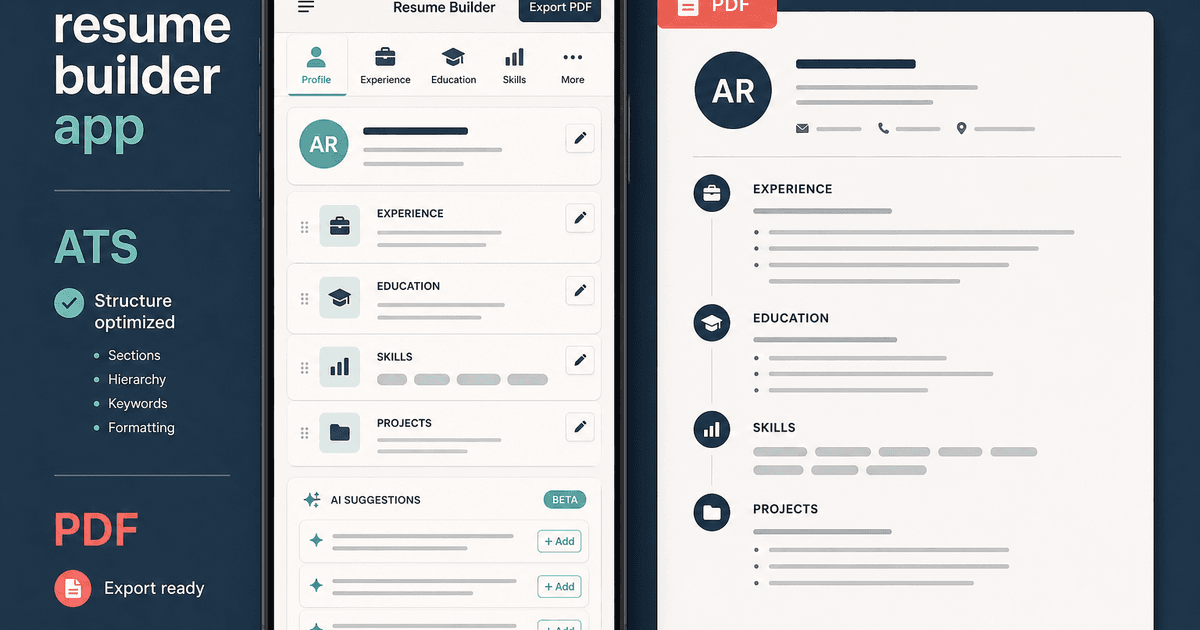
careerBy Pika Resume Team | Jul 20, 2026
Resume Builder App: What the Best One Lets You Do
By Pika Resume Team | Jul 20, 2026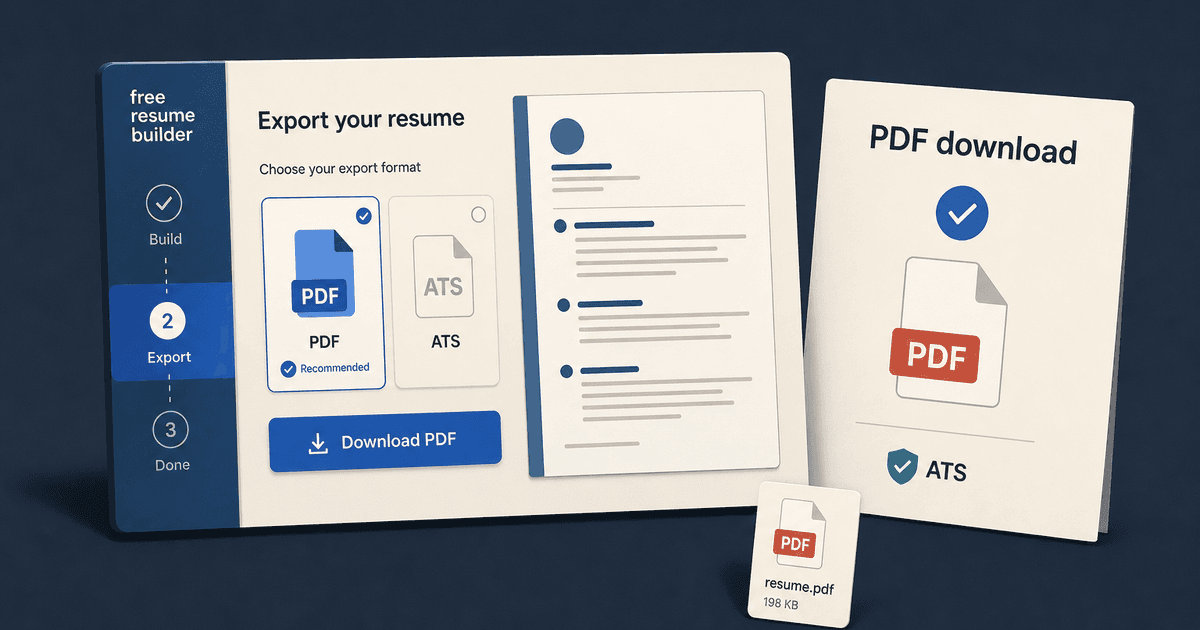
careerBy Pika Resume Team | Jul 19, 2026
Free Resume Builder and Download: Compare the Best Options
By Pika Resume Team | Jul 19, 2026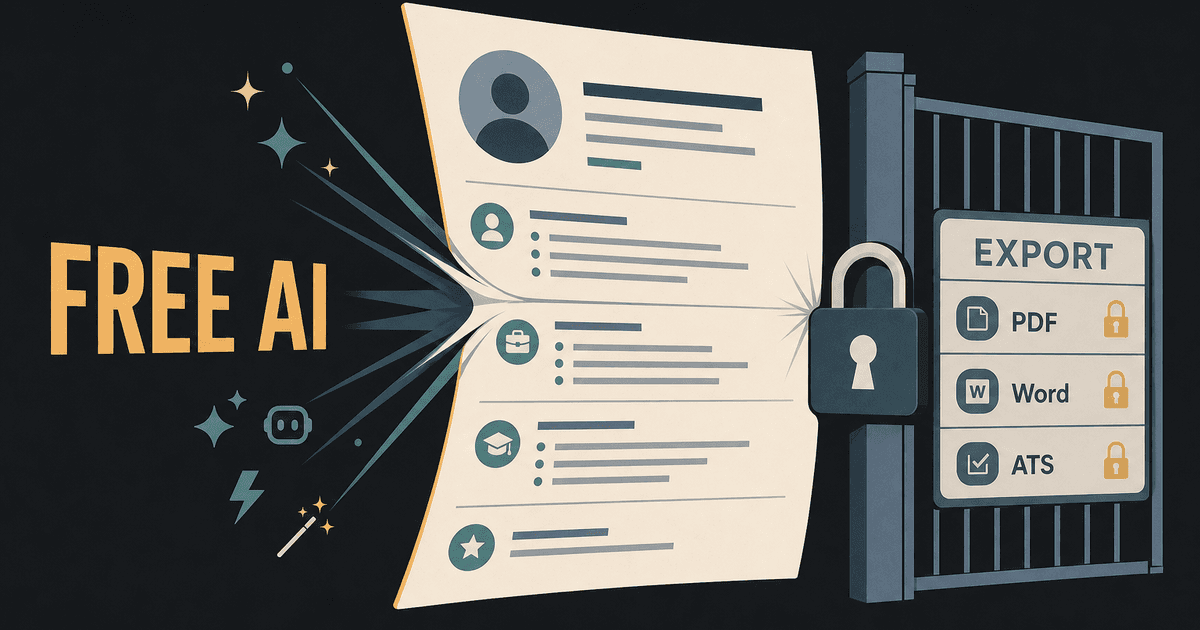
careerBy Pika Resume Team | Jul 16, 2026
Free AI Resume Builder: What It Does Well and Fails At
By Pika Resume Team | Jul 16, 2026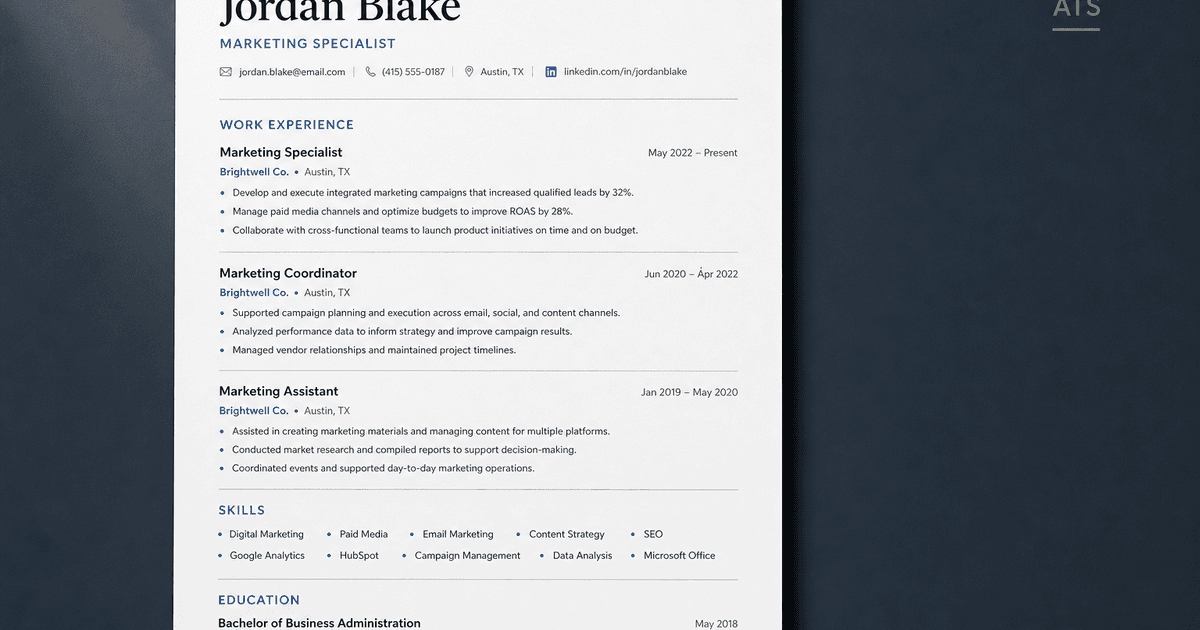
careerBy Pika Resume Team | Jul 13, 2026
Resume format for ATS: a simple guide that works
By Pika Resume Team | Jul 13, 2026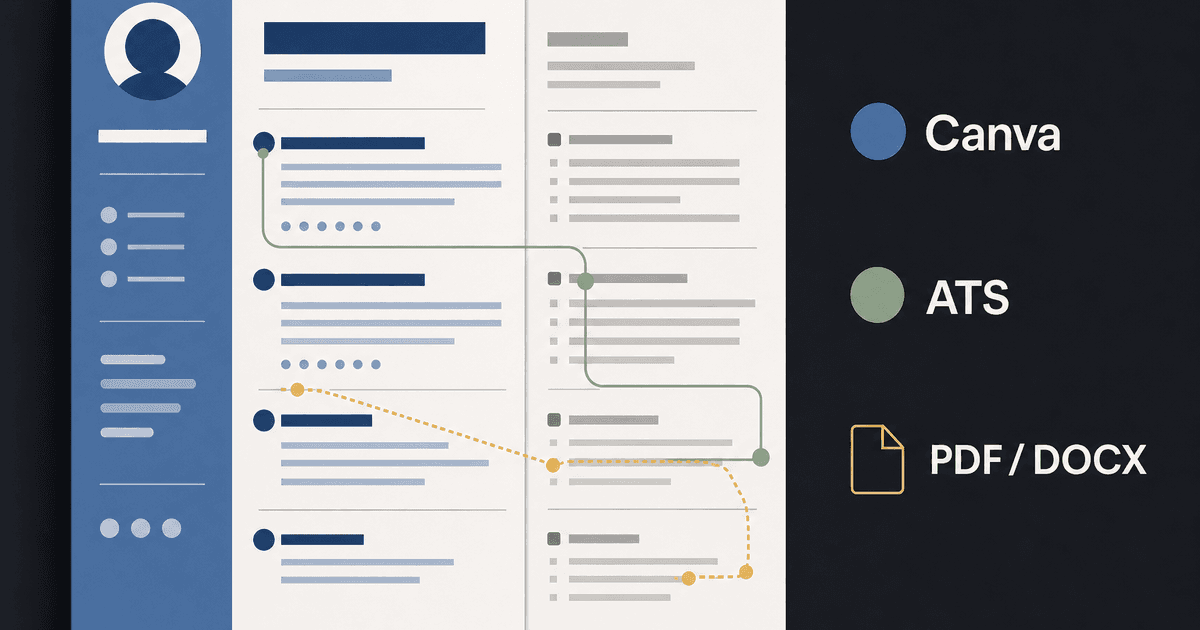
careerBy Pika Resume Team | Jul 12, 2026
Canva Resume Builder vs ATS Reality Check
By Pika Resume Team | Jul 12, 2026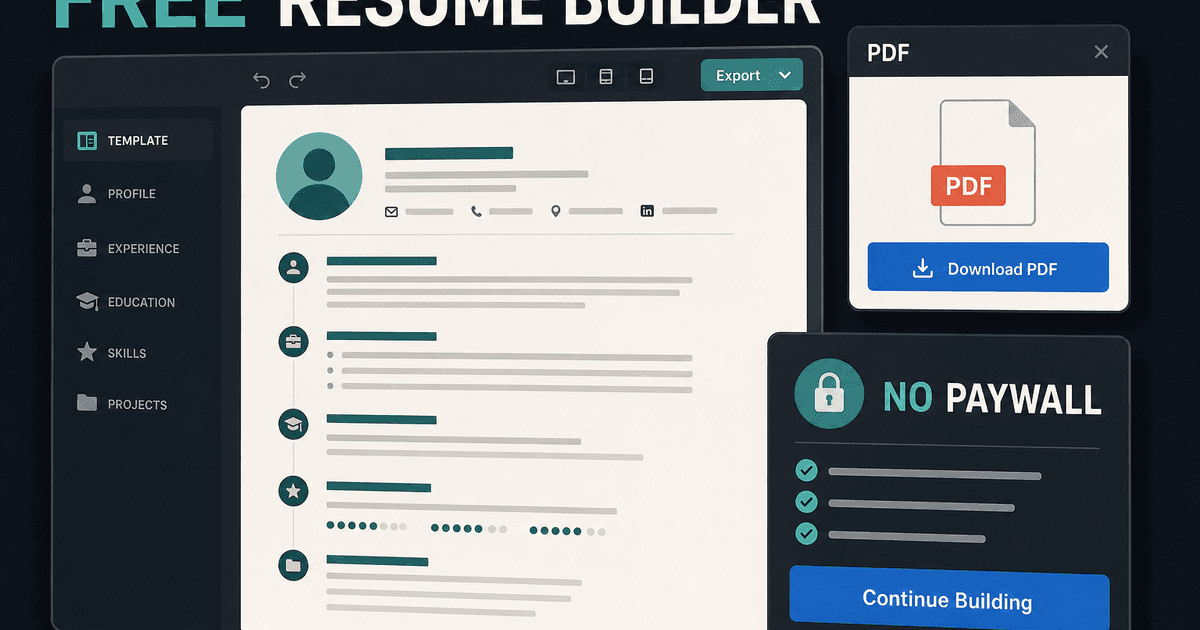
careerBy Pika Resume Team | Jul 9, 2026
Free resume builder: what makes one worth using
By Pika Resume Team | Jul 9, 2026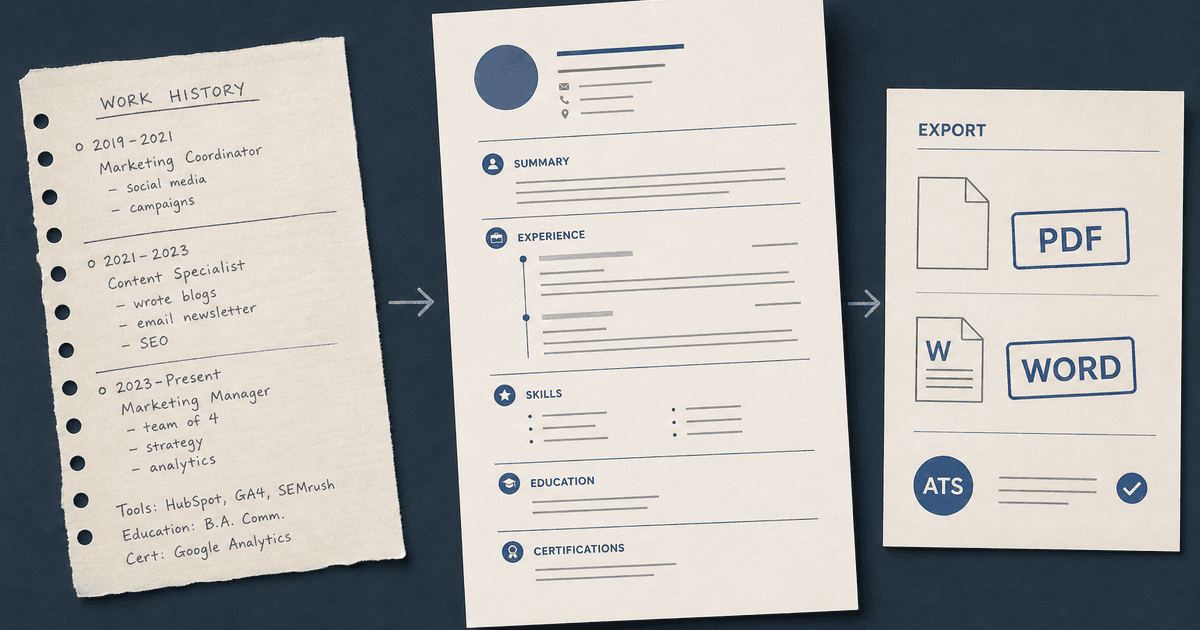
careerBy Pika Resume Team | Jul 6, 2026
Resume Builder: What It Actually Does for Job Seekers
By Pika Resume Team | Jul 6, 2026
resume tipsBy Pika Resume Team | Jun 20, 2026
The Resume Sections Most People Get Wrong (and How to Fix Each One)
By Pika Resume Team | Jun 20, 2026resume tipsBy Pika Resume Team | Jun 18, 2026
How to Edit a PDF Resume Without Wrecking the Formatting
By Pika Resume Team | Jun 18, 2026resume reviewBy Pika Resume Team | Jun 16, 2026
AI Resume Feedback vs a Human Expert Review: When Each Is Worth It
By Pika Resume Team | Jun 16, 2026atsBy Pika Resume Team | Jun 14, 2026
What an ATS Actually Does to Your Resume (and the 8 Things It Scores)
By Pika Resume Team | Jun 14, 2026resume tipsBy Pika Resume Team | Jun 12, 2026
How to Tailor Your Resume to a Job Description in 2026 (the 3-Pass Method)
By Pika Resume Team | Jun 12, 2026resumeBy Pika Resume Team | Mar 24, 2026
How to Explain Employment Gaps on Your Resume: Bridge the Divide
By Pika Resume Team | Mar 24, 2026resumeBy Pika Resume Team | Mar 19, 2026
AI + Human Expertise: The 2026 Career Cheat Code for Your Resume
By Pika Resume Team | Mar 19, 2026